
Want to see how you compare against your mates, family or biggest rivals?
The Mini Leagues feature allows you to create your own private league within The Bezza League and track your progress against a group of players you choose.
It works in a similar way to mini leagues in Fantasy Football, giving you another way to compete and see who comes out on top!
Creating a Mini League
Creating your own Mini League is quick and easy.
Once you are logged in:
- Click on your initials in the top-right corner.
- Select Mini League from the menu.
- Click Create Mini League.
- Give your Mini League a name and description.
- Click to create your league.
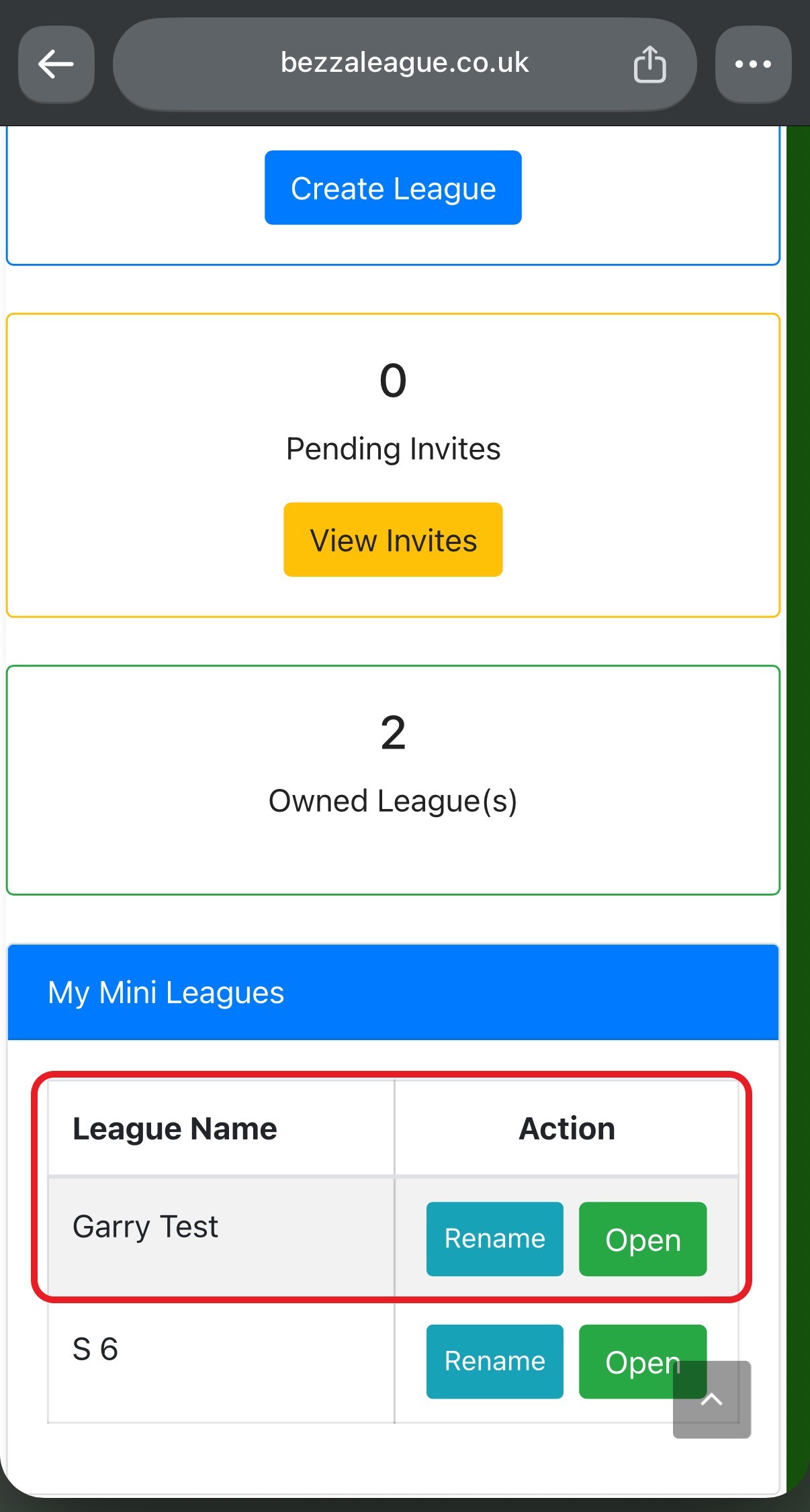
Once created, your Mini League will appear at the bottom of the Mini League page.
Inviting Your Rivals
Now it’s time to choose who you want to compete against!
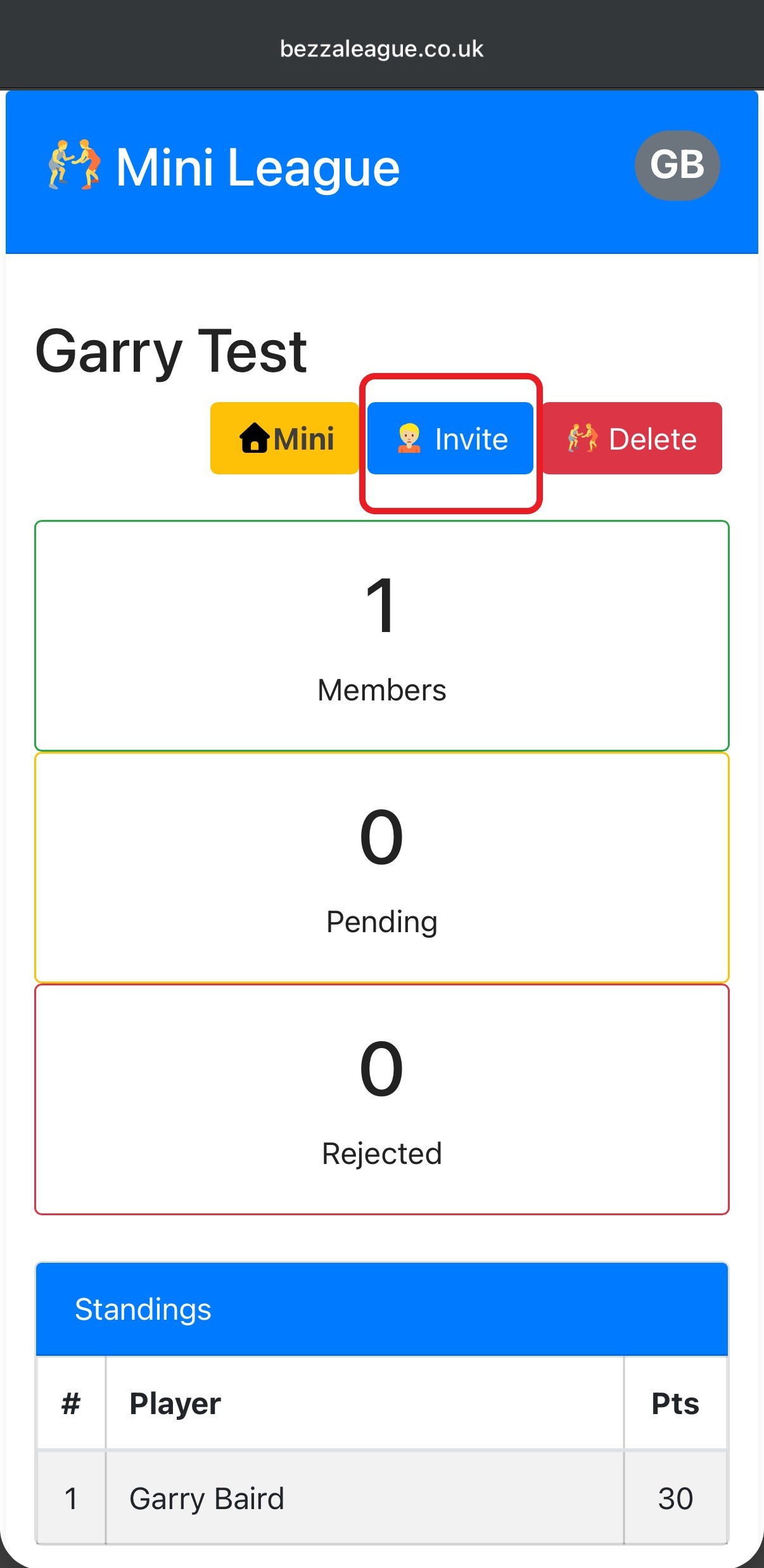
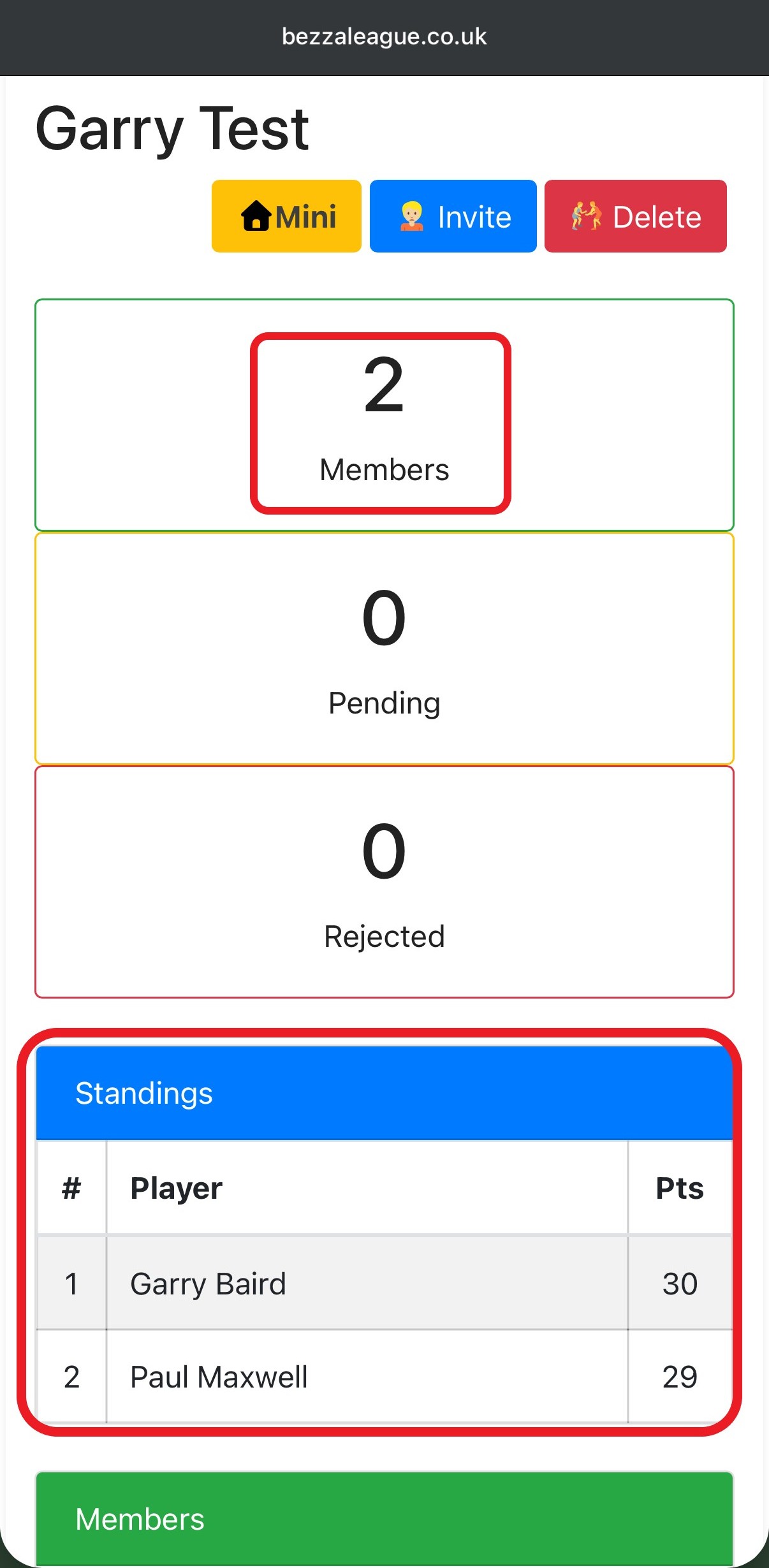
Open your newly created Mini League and click Invite.
You’ll see a list of players who are currently members of The Bezza League. Simply select the players you would like to invite and click Send Invites.
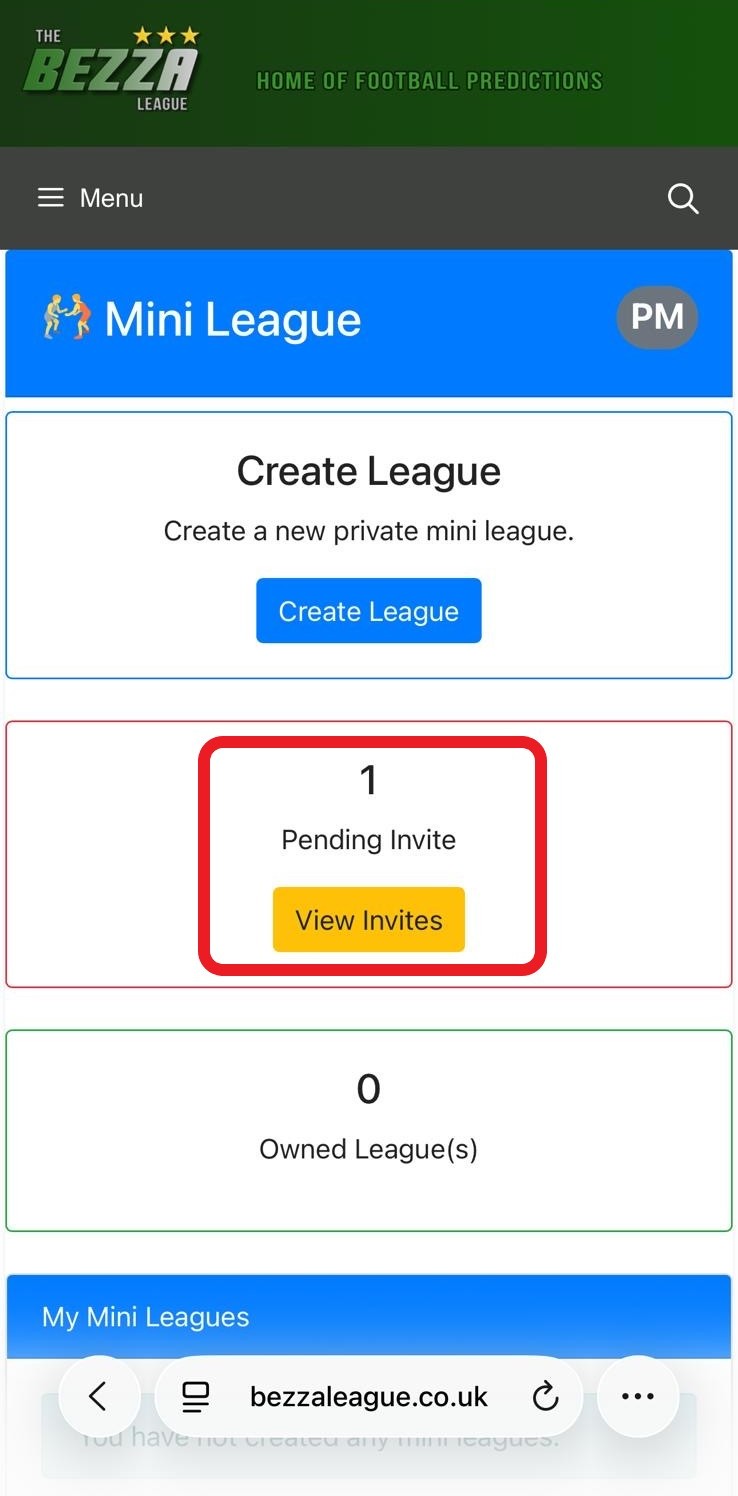
The selected players will receive an invitation to join your Mini League.
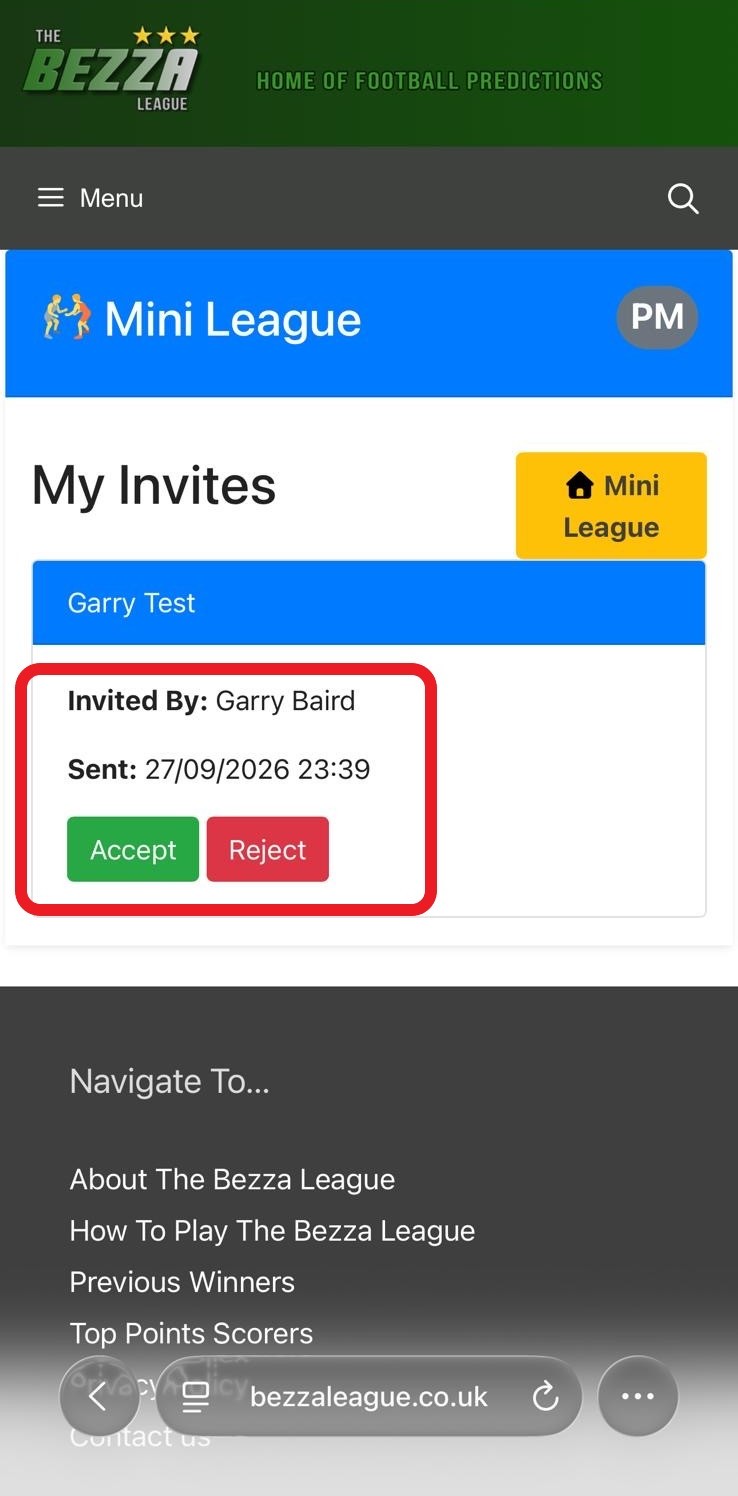
Once they accept the invitation, they will appear in your Mini League and you’ll be able to track everyone’s progress throughout the season.
🔒 Your Private Mini League
Your Mini League is shared between the creator and the players who have been invited and accepted.
Everyone who is part of the Mini League will see the same Mini League table, with the standings updated as the season progresses. This means you and your invited rivals can all keep track of exactly where you stand against each other.
Who Will Come Out on Top?
Whether you want to create a league between your mates, family members, work colleagues or your biggest Bezza League rivals, Mini Leagues give you another reason to keep an eye on the table!
Create your own Mini League, invite your rivals and see who can finish on top.
The bragging rights are yours to play for! ⚽🏆